 Français (France)
  Finnish (FI)
  English (United Kingdom)







In the project view, you can run an AI-based analysis of your project (requires MonteCrystal plan).
Open the project list from the 'Projects' menu item 'Projects'. You can access the project view by clicking on the project name.
Scroll all the way to the bottom of the screen, where you will find the AI assistant (Figure 1).
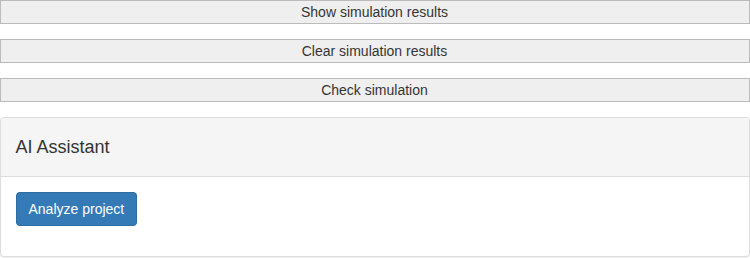
Figure 1. AI assistant.
Click the 'Analyze project' button. In a moment, you will receive an AI analysis of your project based on the simulation data.